Midjourney V8.1 & Canva AI 2.0 Blueprint: How Creators Sell $10k/Month Digital Template Bundles
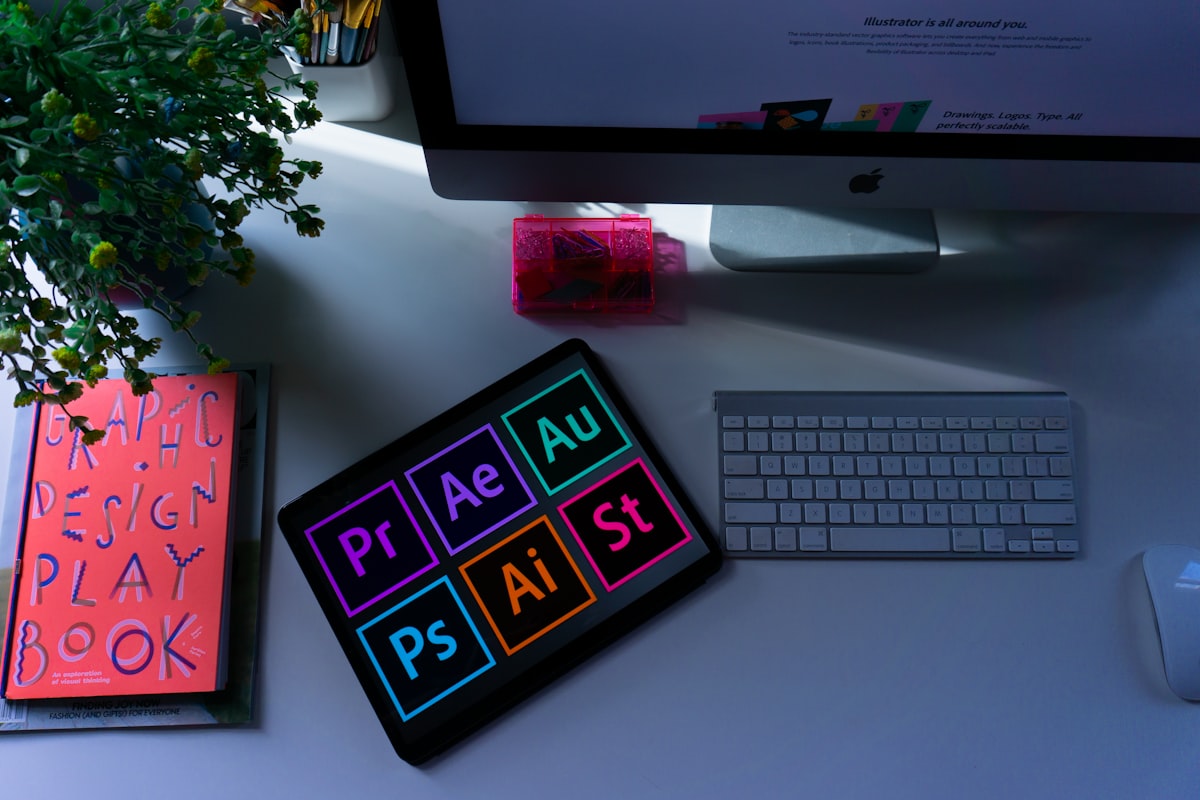
Featured Asset: AI Graphic Design Automation Workflows with Midjourney V8.1 and Canva AI 2.0
Executive Summary
Creating and selling digital products in August 2026 no longer requires manual graphic design skills. By combining Midjourney V8.1’s character consistency engines with Canva Magic Studio AI 2.0, digital creators are scaling template stores on Etsy, Gumroad, and Amazon KDP. This step-by-step guide breaks down how to generate, format, and legally commercialize high-margin digital template bundles step-by-step.
1. Midjourney V8.1 Upgrades: Omni Reference & 4-Second Drafts
Midjourney officially set V8.1 as its default generation engine in mid-2026. The upgraded model solves the historic challenge of AI image generation: brand and character consistency.
Using the --oref (Omni Reference) parameter, creators can pin a specific character persona or artistic style across an entire 50-page template set. Coupled with HD Mode delivering 4x resolution and draft renders appearing in 4 seconds, creators generate custom graphics in minutes.

Figure 1: Packaging Midjourney AI artwork into editable Canva Pro social media and planner templates.
2. Canva Magic Studio AI 2.0: Automated Resizing & Brand Kits
Serving over 230 million active users, Canva Magic Studio AI 2.0 acts as the ideal formatting engine for turning raw Midjourney graphics into commercial templates.
Using Magic Resize, creators instantly transform a single master Instagram post into Pinterest pins, YouTube thumbnails, and eBook covers with one click. Integrated Dream Lab and Magic Write handle complementary copywriting and layout alignment automatically.

Figure 2: Scaling digital storefront revenue across Etsy, Gumroad, and Amazon KDP.
3. The $10k/Month Digital Template Blueprint (Step-by-Step)
To achieve high-converting sales without marketplace takedowns, follow this tested 4-step workflow:
- Identify Low-Competition Niches: Focus on micro-niches such as ADHD daily planners, aesthetic Notion cover packs, or kids' printable storybooks.
- Generate Consistent Assets: Use Midjourney V8.1 with paid commercial licensing rights to produce cohesive illustrations.
- Assemble Canva Master Templates: Import assets into Canva Pro, add editable text frames, and generate shareable template links.
- Disclose AI Usage & List: Comply with Etsy and Amazon KDP AI disclosure guidelines when creating your storefront listings.
Key Takeaways for Digital Product Sellers
- Commercial Rights Required: Always maintain an active paid Midjourney plan to retain legal commercial sales rights.
- Platform AI Disclosures: Major marketplaces like Etsy and KDP mandate clear AI content disclosures during listing setup.
- Bundle Strategy: Packaging 10–30 matching template variations into micro-packs increases average order value (AOV).

Comments
Post a Comment